
DECODA Version 1.4: Update Available Now
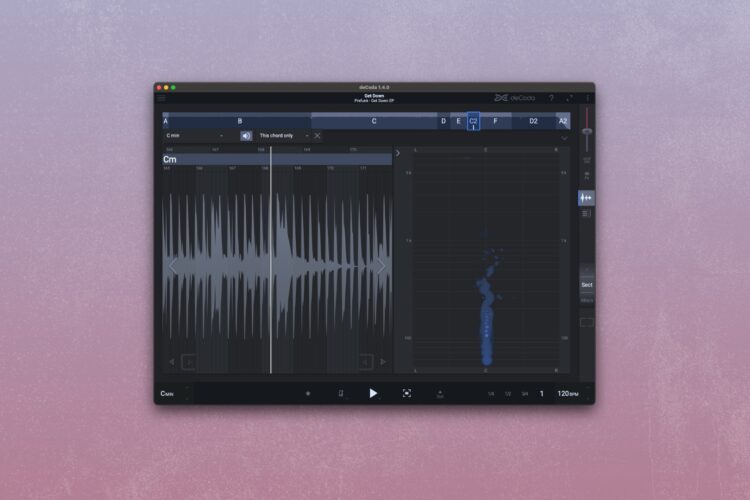
DECODA gets an update, with workflow improvements, minor bug fixes and changes to audio device support.
Our song analysis and deconstruction app, DECODA, has just been updated to Version 1.4. Thanks to user feedback, we've been able to make some minor changes which will improve the user experience and futureproof the app ready for more future updates.
Version 1.4.0 Release Notes
- New: Japanese translation is available in the app settings
- New: Show the name of the file to load when drag&dropping it to the app window
- New: Enabling the Octave Up button only affects the audio but doesn't visually transpose the piano roll/focus view
- Fixed: Crash when switching audio devices or when audio device is unavailable
- Fixed: Crash when using Bluetooth headphones on macOS
- Fixed: Crash when clicking on the chord bar
- Fixed: Standard Mac right-click (Ctrl + Click) not recognized
- Fixed: Various UI fixes
- Note: Mouse dragging actions that previously used the "Ctrl" modifier now use the "Cmd" on Mac.
- Note: Support for JACK audio devices has been dropped.
How to Update DECODA to Version 1.4
To download the free update to the latest version of DECODA, head to the User Area of the zplane website, login, then navigate to DECODA and click Download.