

TIMBRE

Real-time poly formant shaper plugin
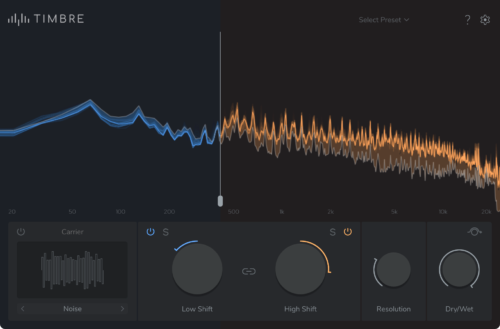
What can TIMBRE do?
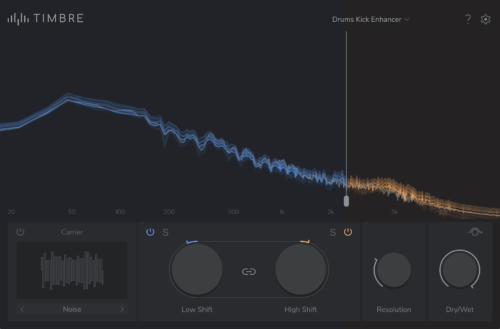
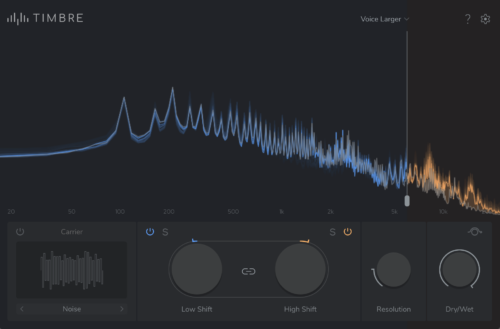
Uses for TIMBRE (2)
Key Features
Videos About TIMBRE

To activate the video from YouTube, please click on the link. By activating the link, data will be transmitted to YouTube. Further information can be found in our privacy policy.

To activate the video from YouTube, please click on the link. By activating the link, data will be transmitted to YouTube. Further information can be found in our privacy policy.

To activate the video from YouTube, please click on the link. By activating the link, data will be transmitted to YouTube. Further information can be found in our privacy policy.
TIMBRE News
Technical Specifications
-
Audio Format:
- 1-2 channels (I/O)
- 44.1-192kHz sample rate -
Plugin Format:
- AAX, AU, VST3 -
Plugin Latency:
- 23.2ms @ 44.1kHz
-
Minimum System Requirements:
- Apple: Intel Core i7 -
Supported Operating Systems:
- Windows 10 & 11 | 64bit
- macOS 13 or later | 64bit Intel & Silicon
FAQs
TIMBRE General Operation
What is the difference between the formant-shifting in TIMBRE, and in ELASTIQUE PITCH's Timbre algorithm?
TIMBRE is powered by an expanded timbre-shifting engine that is based on zplane’s renowned ÉLASTIQUE technology, which is also found in our ELASTIQUE PITCH plugin.
While ELASTIQUE PITCH can shift pitch and/or formants by ±12 semitones, TIMBRE can shift the formants of an audio signal by ±36 semitones, without shifting the pitch. TIMBRE can also operate in dual-band mode, giving greater control over your processing.
Can you use TIMBRE in a single-band configuration?
Yes! There are several ways to use TIMBRE with just one band:
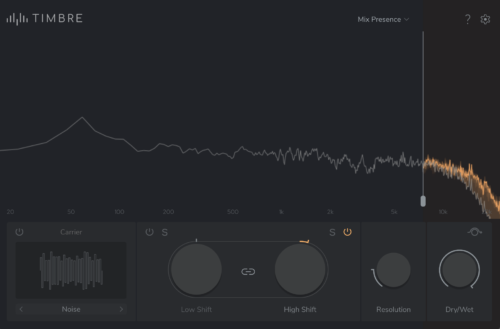
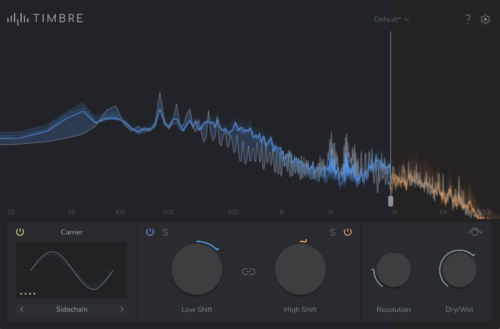
- Link the High and Low Shift controls - this applies the same processing to the entire frequency range
- Unlink the High and Low Shift Controls and only apply processing to one band - this allows you to leave one band unprocessed, while processing the other band
- Use the independent High and Low Band Bypass button to disengage processing for the corresponding band
Why does TIMBRE have two bands?
Two independent formant-shifting bands allows you to apply processing to only one frequency range, or independent processing to two different frequency ranges.
What is the difference between formant and timbre?
In the context of the TIMBRE plugin, the terms formant and timbre are interchangeable - the plugin can be used on any audio source. In technical terms, formant refers to the resonant frequencies produced by the vocal tract. Timbre refers to the tonal qualities of a sound.
TIMBRE Troubleshooting
Why isn't TIMBRE outputting any audio when Sidechain Carrier Mode is engaged?
If TIMBRE isn't outputting audio when Sidechain Carrier Mode is engaged, please ensure that you have selected the correct external sidechain signal and it is outputting audio. Full instructions on how to operate both the Sidechain Carrier and Internal Carrier modes can be found in the TIMBRE user manual.